

Ever found yourself wondering if someone has blocked your number? It’s a digital age conundrum that can leave you scratching your head. Let’s talk about how you can sift through the signs and find out, without diving into any overly technical jargon or complex detective work.
Signs you may have been blocked
The Silent Treatment: Calls and Voicemails
First off, if your calls are ending up straight in voicemail after one ring (or no ring at all), it might raise an eyebrow. Sure, their phone could be off, or they might be in a meeting, but if it’s happening every single time? That’s the universe—or their phone settings—giving you a nudge.
The Eternal Blue Bubble: Text Messages
Sent a few texts and they’re all unanswered? If you’re using an iPhone and your iMessages suddenly switch from blue to green and don’t show a “Delivered” status, that could be a subtle hint. For those not in the Apple orchard, if your SMS texts seem like they’re being swallowed into the void, take note.
The Sound of Silence: Call Quality
Here’s a fun fact: being blocked doesn’t always affect the quality or existence of calls. Some networks might play an automated message saying the person isn’t available, while others might just let it ring into oblivion. Consistency is key—if it always goes straight to voicemail or rings endlessly without a pick-up, you might be on their digital no-fly list.
Sherlock Your Way: Alternate Methods
Now, don’t go pulling a Sherlock Holmes with a magnifying glass, but trying a different communication method could shed some light. A call from another number or a social media message might go through just fine. If so, it’s not a network issue—it’s personal.
Acceptance: Reading the Signs
Here’s the kicker: even if all signs point to “Yes, you’re blocked,” there’s no surefire way to confirm without asking them directly (awkward, much?). And if you’re at the point of wondering, maybe it’s time to respect their boundaries and move on. It’s not about chasing the why; it’s about accepting the what.
So, have you been blocked? If the shoe fits, it’s time to lace it up and walk forward. Remember, communication is a two-way street, but sometimes roads end. It’s not the end of the world—just the start of a new route.
Android Specific Indicators
Android, with its myriad of devices and versions, doesn’t offer a universal, tell-tale sign that you’ve been blocked. However, there are a couple of indicators:
- Consistent Call Diversion to Voicemail: Similar to other operating systems, if your calls repeatedly go straight to voicemail without ringing, take note.
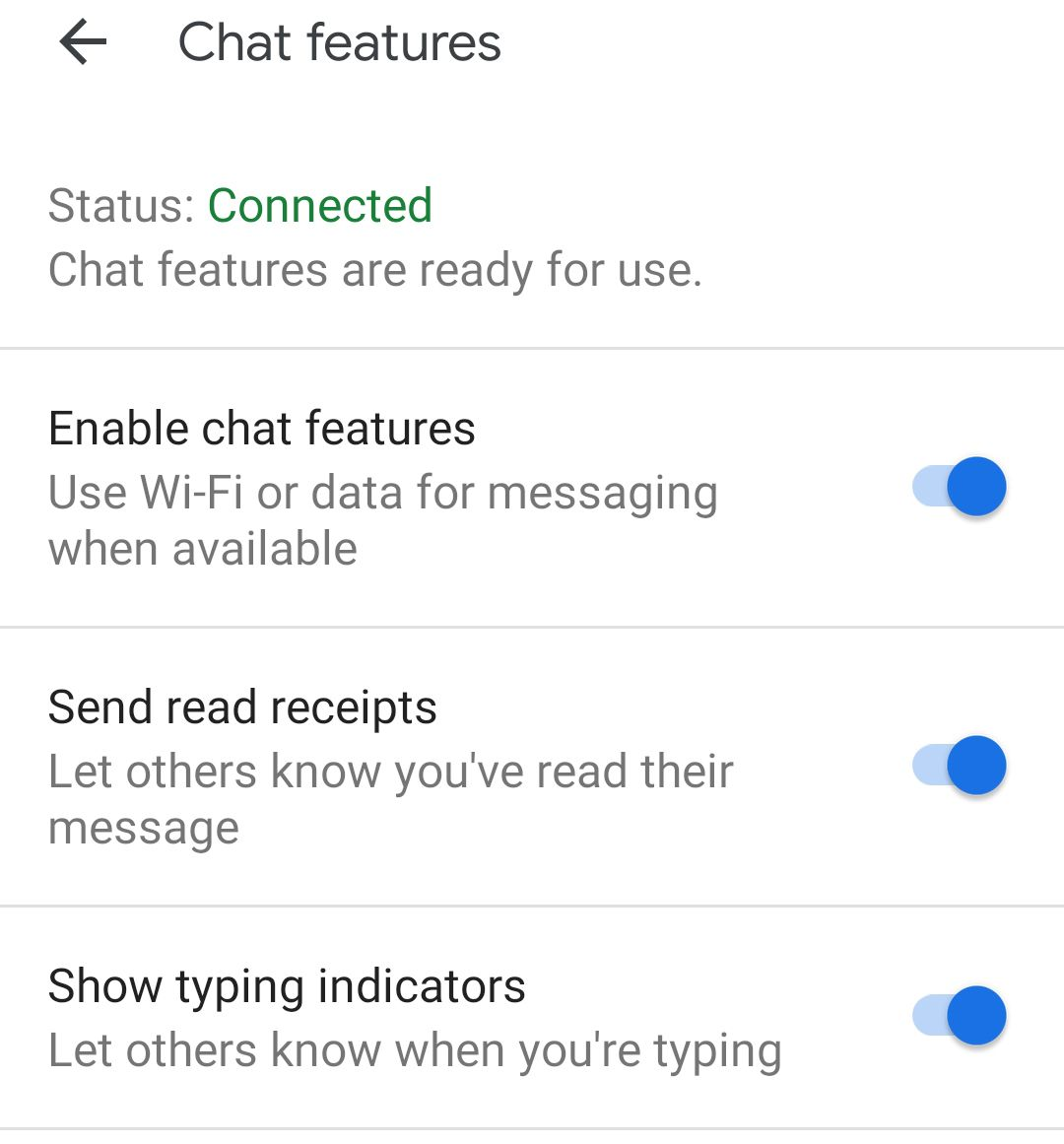
- Lack of Delivery Reports on Texts: While not all Android phones provide delivery reports, if you used to get them and now you don’t, it could be a clue.
What Not To Do
Now, while curiosity and concern can get the best of us, there are a few things you should avoid doing:
- Don’t Overcall or Overtext: Repeated calls or texts won’t make your situation any better and might worsen things, especially if there’s been a misunderstanding.
- Avoid Using Different Numbers to Call: It might be tempting to confirm your suspicions by calling from another number, but respect the other person’s boundaries. If they wanted to communicate, they probably wouldn’t have blocked you in the first place.
- Don’t Jump to Conclusions: There could be numerous reasons for a sudden communication drop. Technical issues, lost phones, or they might just need some space.
Additional Resources
In navigating the sometimes murky waters of phone communication and potential blocking, it’s handy to have a map. Here are some resources that can not only help you understand if you’ve been blocked but also assist in managing your own communication preferences and dealing with unwelcome calls or messages.
- Block Scam Calls and Robocalls With the Free Scam Shield™ App
Tired of endless scam calls and robocalls interrupting your day? The Scam Shield™ app offers a fortress of defense, giving you control over who can reach you. This free tool is especially useful for T-Mobile users looking to minimize distractions and protect their peace.
- T-Mobile Support: Messaging & Email Troubleshooting
Encountering issues with messaging or emails can be frustrating. T-Mobile Support provides a comprehensive troubleshooting guide to help you iron out any kinks in your communication line, ensuring your messages always find their way.
- Guides on Blocking Text Messages on Both Android and iPhone
Whether you’re team Android or iPhone, managing who can contact you is crucial. Look up guides on blocking text messages for your respective device. These guides offer step-by-step instructions on how to sieve through your communications, keeping the wanted in and the unwanted out.
- Offer of Expert Help for Unresolved Tech Issues
Sometimes, DIY just doesn’t cut it. If you’re facing unresolved tech issues that leave you scratching your head, seeking expert help can be your best bet. Many service providers and tech forums offer the sage advice of those who’ve navigated these waters before, providing a lifeline for your most perplexing tech troubles.
Armed with these resources, you can better manage your digital communication, ensuring that your connections remain meaningful and your inbox clutter-free. Whether it’s safeguarding your peace from unwelcome calls or troubleshooting messaging woes, there’s always a way to enhance your digital communication experience.
Wrapping it up
Understanding the signs of being blocked and navigating through potential communication barriers requires a bit of detective work and a lot of patience. Whether you’re on the sending or receiving end of the silence, remember that technology is a tool meant to enhance connections, not hinder them.
In the end, communication is about making meaningful connections. Sometimes those connections fade, and that’s okay. Use the tools and resources available to you to foster the connections that matter, respect others’ boundaries, and navigate the digital world with grace and understanding.


